
Software built for HVAC contractors.
You don't service addresses. You service a specific condenser, air handler or rooftop unit — and the next tech out needs to know what happened to it last time.
Per-unit history, quotes that become jobs, and parts billed off the truck.
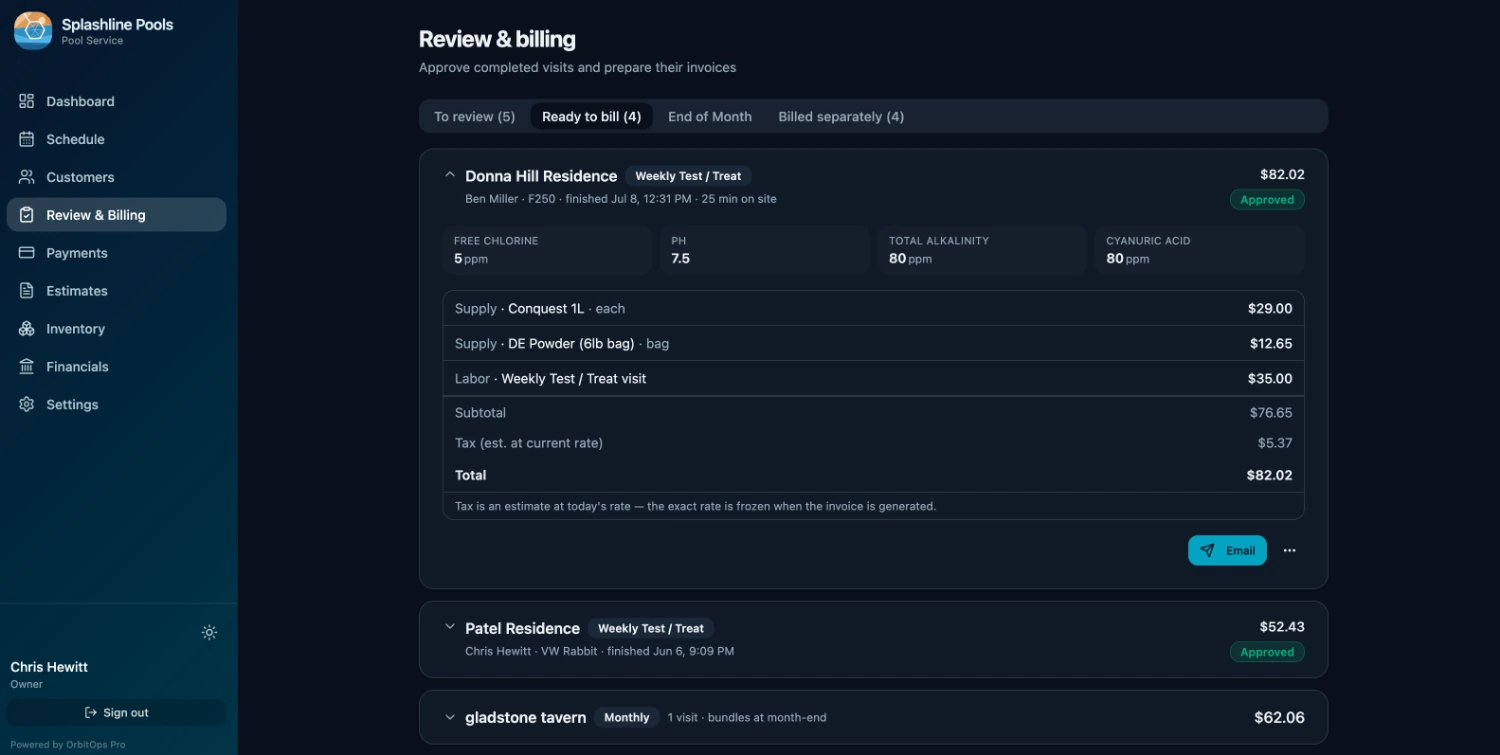
HVAC breaks the model most field-service software is built on. There is no route to repeat. There is a booked window, a specific unit, a diagnosis, and very often a second trip once the part comes in.
OrbitOps Pro is organized around the equipment rather than the visit. The unit carries its own history, quotes turn into scheduled work, and the refrigerant and parts that came off the truck end up on the invoice.
The unit is what you're really servicing
A three-unit house and a twelve-unit strip mall are not one customer with a lot of notes. They are three and twelve pieces of equipment, each with its own age, its own warranty and its own history of going wrong.
Every unit is its own record
Each condenser, air handler or rooftop unit sits under the customer as a distinct thing you can open, with the make, model and location that tell one from another.
Off the data plate, onto the record
Make, model, year and the unit’s own serial number are fields on the unit, not a line in somebody’s notes — and so is the refrigerant it runs, picked from the list your company keeps rather than typed fresh each time. They read back as one line: Heat Pump · 2022 Daikin DZ17SA · S/N 1234567 · R-410A. That same line heads the service record you hand a customer, so the document identifies the equipment it is about without anybody retyping it.
Parts carry serials and warranty dates
The compressor you put in eighteen months ago is recorded against that unit with its serial number and warranty date — so a warranty claim is a lookup, not an archaeology project.
A history you can hand over
Every visit, charge and part replaced stays on the unit permanently. When a property manager asks what you have done to the rooftop unit since 2024, you can produce it.
Nobody rewrites the log
Once something is logged against a unit, nobody can edit or delete it — not the office, not the tech, not us. A correction is added as a new entry, so the record only ever reads forward. That is what makes the history worth handing to somebody who is relying on it.
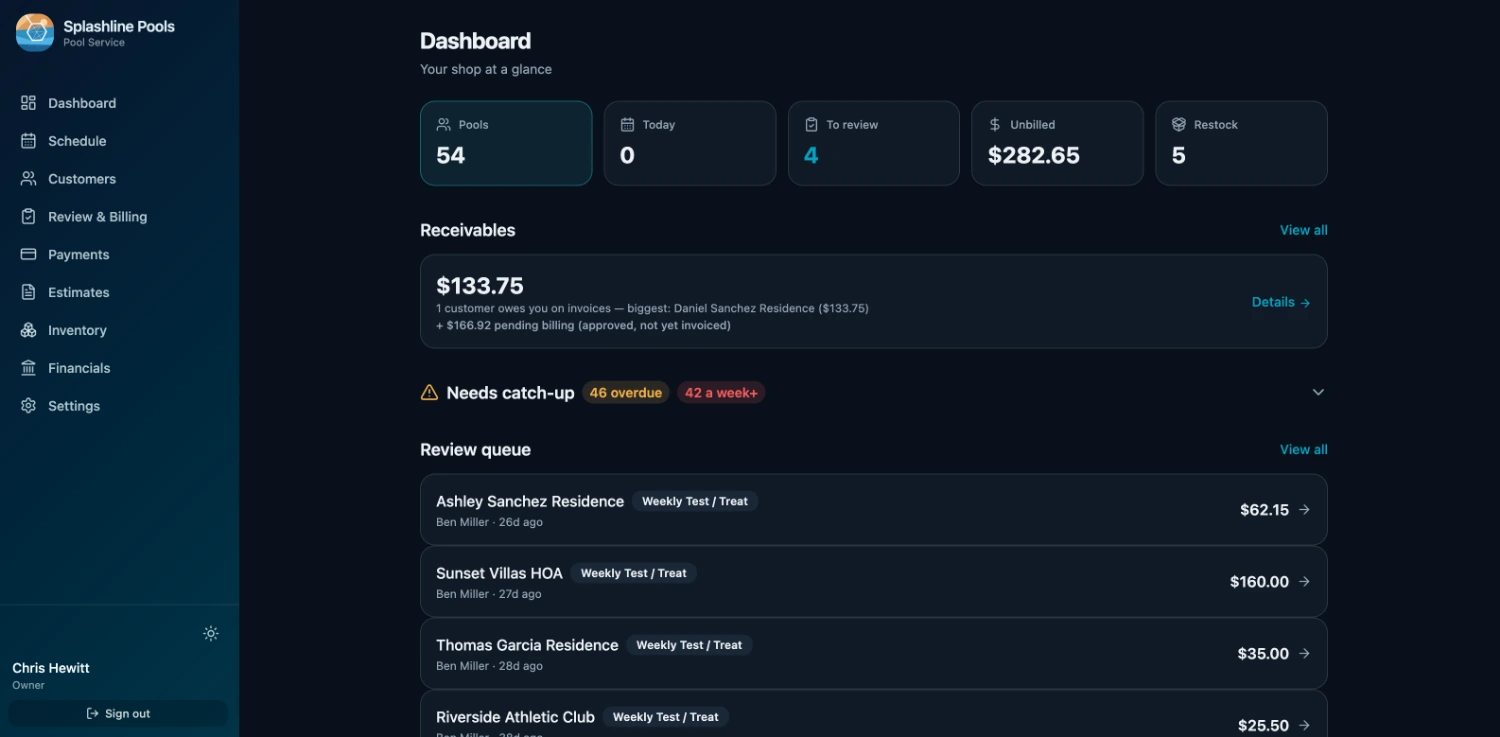
Per-unit service history comes in on Executive. Work is billed against the unit that got it, so a multi-unit invoice breaks down by equipment instead of arriving as one number.
Diagnose, quote, come back — one thread
The call that finds a failed part is rarely the call that fixes it. The gap between those two visits is where HVAC jobs go quiet and quotes go unanswered.
The diagnosis becomes the quote
What the tech found on the service call turns into a quote against that unit, with the parts it needs, rather than a phone photo and a number written on the back of a card.
Approval turns it into work
When the customer approves, the quote becomes a scheduled job carrying its own parts list. The tech who runs the return trip sees what was quoted and what to bring.
What the job actually took
On every plan, the approved estimate runs the job, and whatever the tech adds on site is captured against it as a marked overage. The extra contactor fitted at four o’clock shows on the bill as an addition to what was quoted, instead of disappearing between the estimate and the invoice.
Per job, or on the account
A service call or an install bills as its own job when it closes. An account running several units — a property manager, a commercial site — can have the month's visits compiled into one invoice instead. Each customer has their own default, set on their record, so the choice is made once for that customer instead of job by job.
Call ahead before you roll
HVAC runs booked windows, not drive-bys — so appointment confirmation and appointment mode are on for the trade, on every plan. Confirm the window before the truck is committed to it.
The week on paper, before the signal drops
Save offline copy turns the week into a PDF: every scheduled call, who it is assigned to, and the contact details for the customers on it. If a phone dies between calls, the day still runs off the copy you already saved.
The quotes that went cold
On Premier, the money-recovery reports list the estimates that were never sold — the ones you priced, sent and forgot, which is usually a bigger number than anyone expects.
The day arrives on the phone, already in order
The office builds the week. The tech opens one screen and works down it — and everything recorded on the way is what the invoice gets built from.
Open it and work down the list
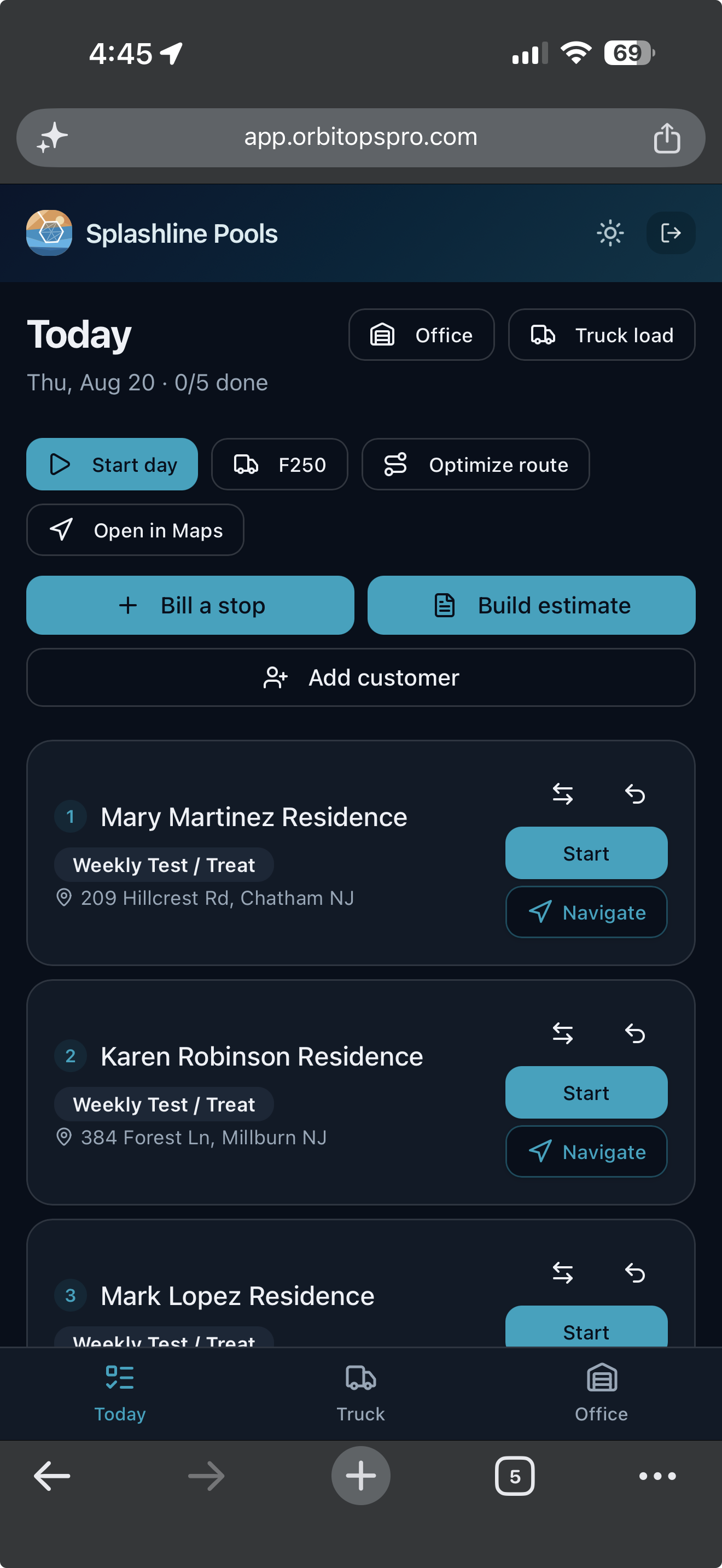
Today opens on the stops in order, each with the customer, the visit type and the address, and a count of how many are done. One tap starts a stop, one opens it in Maps. Nobody is calling the office to ask what is next.
What they record is what you bill
Materials, readings and notes are captured at the stop while the tech is standing in it. The visit record is the billing record, so the invoice is built from what happened rather than reconstructed on Friday.
Billing and quoting from the driveway
A tech you trust can bill a stop as they finish it, and build an estimate while they are standing in front of the work. What they bill in the field is past the month-end sweep’s reach, so the same visit cannot also land on that customer’s monthly bill. The billing grant is per tech and yours to give. Quoting from the field is on every plan — the foreman standing in front of the work is the one who knows what it is. Writing the ordered scope onto that quote, photographing what is being quoted, and starting from a quote you have already written come in on Executive.
Refrigerant and parts don't bill themselves
A pound of refrigerant is worth real money and moves off the truck in about ninety seconds. It is the single easiest thing in this trade to give away by accident.
Categories that match the trade
The catalog carries refrigerant and filters alongside parts and equipment, so what a tech reaches for on a call is already in the list they are picking from.
Logged at the unit, billed on the invoice
On Executive and Premier, each item the tech records becomes an invoice line and draws that quantity out of truck or shelf stock, with the cost attached — so the bill of materials matches what actually went in.
Restock through the supply house
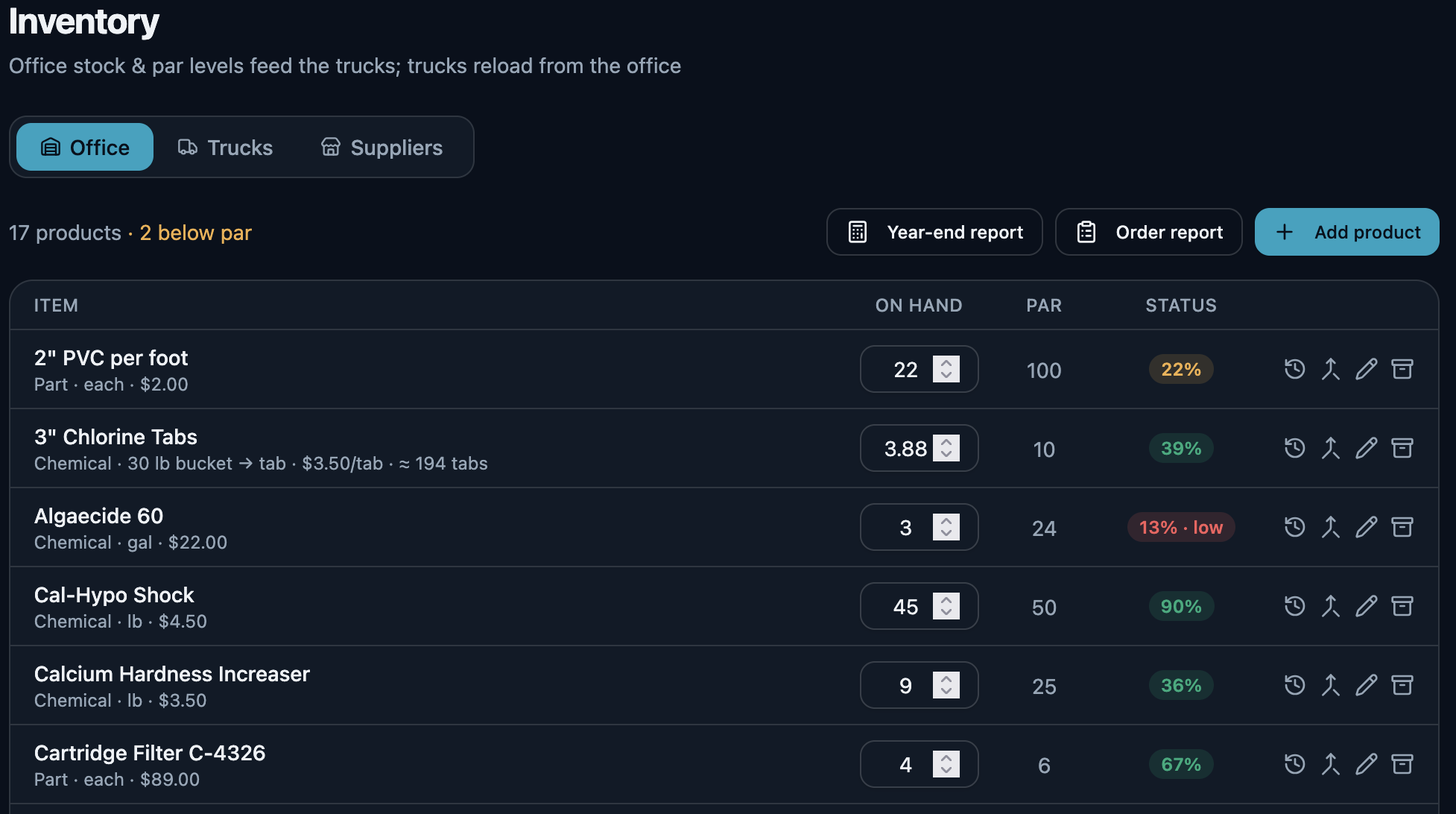
On Executive and Premier, par levels flag what's short and the reorder report rounds each shortfall up to whole orderable packs, then emails the purchase order to your supply house. The sent order is kept as a fixed snapshot with your own costs left off the supplier’s copy, and what is on the truck, what it cost and what is on order stay in one place. Booking the delivery in against that order is what puts the stock back on the shelf and closes what is still outstanding.
Buy by the case, sell by the piece
On Executive and Premier, one product entry can be bought by the case and sold by the piece. Order a case of twelve filters, the tech logs two, and the stock count and the price each move in their own unit — one product record, no mental arithmetic.
The delivery back in, in one press
The last arrow is the one most systems leave to you. When the order turns up, book it in against the purchase order that raised it: the stock lands on the shelf and the order marks off what arrived, in the same press. Nothing is counted twice — press it again on a bad signal and the second press moves nothing.
- Half now, the rest next week. A short delivery is recorded for what actually came, and the remainder stays open on the order. The next van is a second delivery against the same PO, not a correction to the first.
- You cannot receive more than you ordered. A line that would take the delivered count past what the order asked for is refused, not quietly absorbed.
- A wrong delivery is corrected, never rewritten. Undo one and it takes back exactly what that delivery put on the shelf — read from the record the delivery itself wrote, not recalculated from what the order says today. Nothing is deleted: the reversal is appended beside the delivery, so a delivery that arrived and was taken back stays two facts rather than becoming silence. Miscounted it? The original is kept and reversed, and a new one records what really arrived, linked back to the one it replaces — the same way an invoice is voided and reissued instead of edited.
- All of it, or none of it. If the fourth line on a delivery names a product you have since removed, the first three do not land either. There is no half-received order to unpick.
Inventory tracking and purchase orders come in on Executive, alongside the QuickBooks Online integration that closes your month.
What the agreement includes, and what's left of it
Selling a maintenance plan is easy. Knowing in March whether a customer has used both of this year's visits is where it usually falls apart.
Define the levels you sell
Set up the agreement levels your business actually offers and what each one includes per term. On Premier.
Assigned with a term
A customer gets a level and a term, so the agreement has a start, an end and a defined content instead of living in someone's memory.
Included, used, remaining
Read off what the agreement covers, what has been drawn down against it and what is still owed to the customer, without counting back through the visit list.
Twice a year, or once — as a cadence
Put a customer on a six-month or a yearly cadence and the schedule carries it the way it carries a weekly route. Spring and fall is two visits a year, not a quarterly plan with two visits skipped, and there is no carryover noise for work that was never owed. The month arithmetic is native, so second Tuesday in March and second Tuesday in September stays exactly that, year after year, with no drift. On every plan.
The agreement covers the visits it says it does
The maintenance visits the cadence produces are the visits the agreement covers. Work that falls inside what the customer has bought bills at zero and says so on the invoice, so the customer can see they were charged nothing for the visit they already paid for — rather than getting no invoice and wondering whether you came. On Premier.
Seasonal visits, scheduled like any other
Spring and fall maintenance are Maintenance visits with their own checklist — inspect the system, service it, test operation — booked and billed alongside your service calls.
The customers still waiting on something you meant to do
A tech writes up a failing capacitor on a Tuesday and nobody quotes it. A customer approves a changeover and it never reaches the schedule. These are not leads to chase — they are your own customers, waiting on work you fully intended to do.
- A repair your tech flaggedThe tech closed the call, wrote down the part that is on its way out, and no quote has gone to that customer since.
- A visit that would bill nothingA call closed, still waiting on your review, and carrying no charge at all — caught before it becomes a month-end invoice that says the same.
- Approved, never scheduledThey said yes to the quote. It never became a job on anybody’s day.
- A quote that went quietSent, and a week has gone by with no answer — long enough that a follow-up still reads as attentive rather than late.
- An agreement coming to its endThe term runs out inside the next two months and it does not renew itself. Agreements themselves are part of Premier.
- A warranty about to lapseA part you installed is inside its last two months of cover, or slipped out of it within the last thirty days. Read off the part’s own warranty date, never guessed from how old the record is.
- A customer nobody has been toStill on your books, still marked active, and ninety days since anyone closed a visit for them.
Every one of these is read off records you already have — visits, quotes, line items, agreements. One line each, and one action each: start the quote, add the charge, book the job, send it again. Anything genuinely fine gets dismissed, and dismissing it is neither a snooze nor forever — the moment something new happens for that customer, the row comes back on its own.
And the local post you never get around to writing
The same section turns a job you have already finished into a short local update: the service, the kind of work, the town, the month and its season. No customer’s name, no street address and no price can appear in one, because the facts a post is written from carry no such field. The town is in; the street is not. Here, a repair, an install and the seasonal round are three of the six occasions it writes from.
Ready to copy to Google Business Profile, Facebook, Instagram or Patch. Each one’s length is checked before you copy — past Google’s 1,500-character limit is a problem to fix, past the point Facebook folds the rest behind “See more” is only worth knowing — and nothing is ever cut short for you. Hashtags appear only where the channel takes them.
Fall maintenance is running around Ladson this month. A heat pump that gets looked at before the first cold night is a heat pump you are not meeting at seven in the morning in January.
We do not post on your behalf and OrbitOps Pro holds no account of yours on any of them. You copy the words out and post them yourself.
What HVAC contractors ask us
Does each piece of equipment get its own service record?
Yes, on Executive and Premier. Every unit at a property is its own record: work is billed against that unit, installed parts carry their serial numbers and warranty dates, and the service history stays permanent. A tech arriving for the next call sees what was done to that specific unit, not a pile of notes filed under the customer.
Can I quote a repair and turn it into a scheduled job?
Quoting is on every plan. A diagnostic call that turns up a failing part becomes a quote; once the customer approves it, the quote becomes a scheduled job with its parts list already attached, so the return visit is booked from the quote rather than re-typed from a note. Two things come in higher up: quoting against the specific unit is part of per-unit service history, on Executive and Premier, and so are photos of the failed part, the ordered scope list the tech runs as the job's checklist, and starting a quote by copying a previous one.
Does it handle call-ahead confirmation?
Yes, on every plan. HVAC runs discrete appointments rather than a drive-by route, so appointment confirmation and appointment mode are both switched on for the trade. The day is organized around booked windows instead of a sequence of stops.
How does refrigerant and parts billing work?
On Executive and Premier. The inventory catalog carries categories for refrigerant and filters alongside parts and equipment. The tech logs what was used on the call, each logged item becomes an invoice line, and the same action draws that quantity down from truck or shelf stock with its cost attached.
Can I sell maintenance agreements?
On Premier. You define the levels you sell and what each one includes per term, assign one to a customer with a term, and read off what is included, what has been used and what remains. Seasonal maintenance visits are scheduled like any other work.
Can I put customers on twice-a-year maintenance?
Yes, on every plan. Six-month and yearly are cadences in their own right, alongside weekly, monthly, bimonthly and quarterly. A spring-and-fall customer is one customer on a six-month cadence — not a quarterly plan with half the visits skipped, which is what leaves phantom missed visits behind. The cadence is calculated in calendar months, so the second Tuesday in March and the second Tuesday in September stay put year after year instead of sliding a few days each cycle. On Premier, a maintenance agreement covers those visits: covered work bills at zero and the invoice says so.
Does the unit record hold the make, model, serial and refrigerant?
Yes, on Executive and Premier. Make, model, year and the unit's own serial number from the data plate are fields on the unit record, and so is the refrigerant it runs, chosen from the list your company keeps. They read back as a single identity line — Heat Pump, 2022 Daikin DZ17SA, S/N 1234567, R-410A — and that line heads the service-history PDF you hand a customer, a property manager or a warranty administrator. Installed parts carry their own serial numbers and warranty dates underneath.
Can I post my month to QuickBooks Online?
On Executive and Premier. You connect your own QuickBooks Online company and trigger a monthly summary journal entry against the accounts you map — revenue, sales tax, receivables and cash. It posts accounting totals; no customer records, invoices or line items are sent.
Your customers didn't sign up for our software — you did. Their names, addresses and phone numbers stay in your account. Your books get a month of totals rather than your client list, and our own support console can't display who they are.
What leaves your account →Run your HVAC business, not your software.
Create your account and get set up in your trade. Scheduling, invoicing and card payments are included in every plan.
Questions first? Talk to us.
Email support@orbitopspro.com to chat with us.